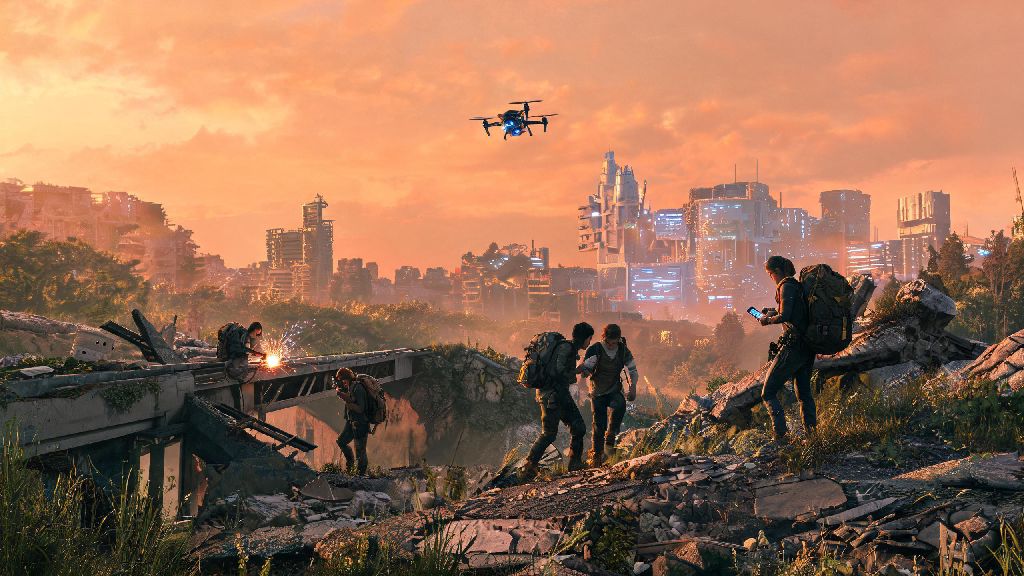
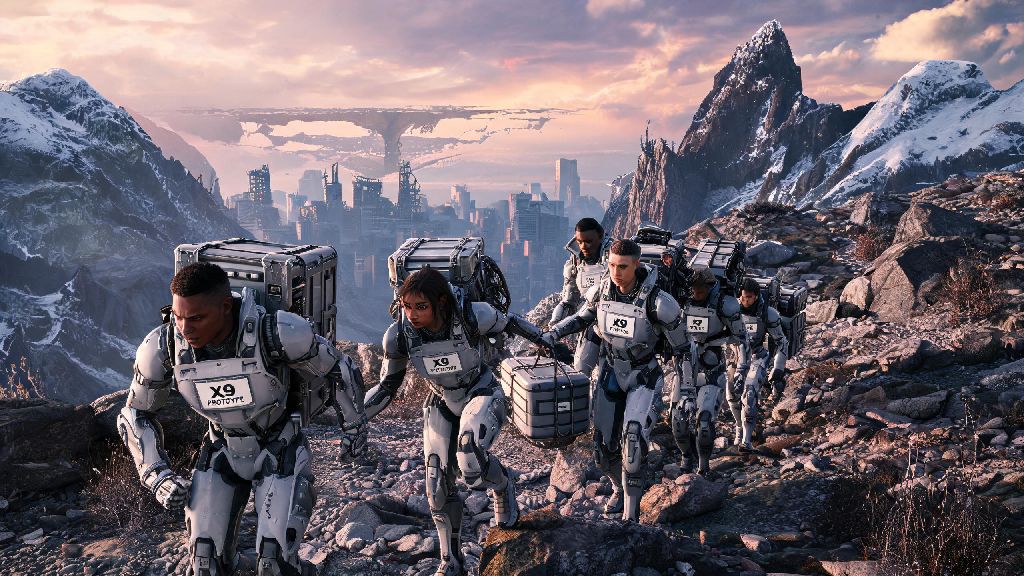
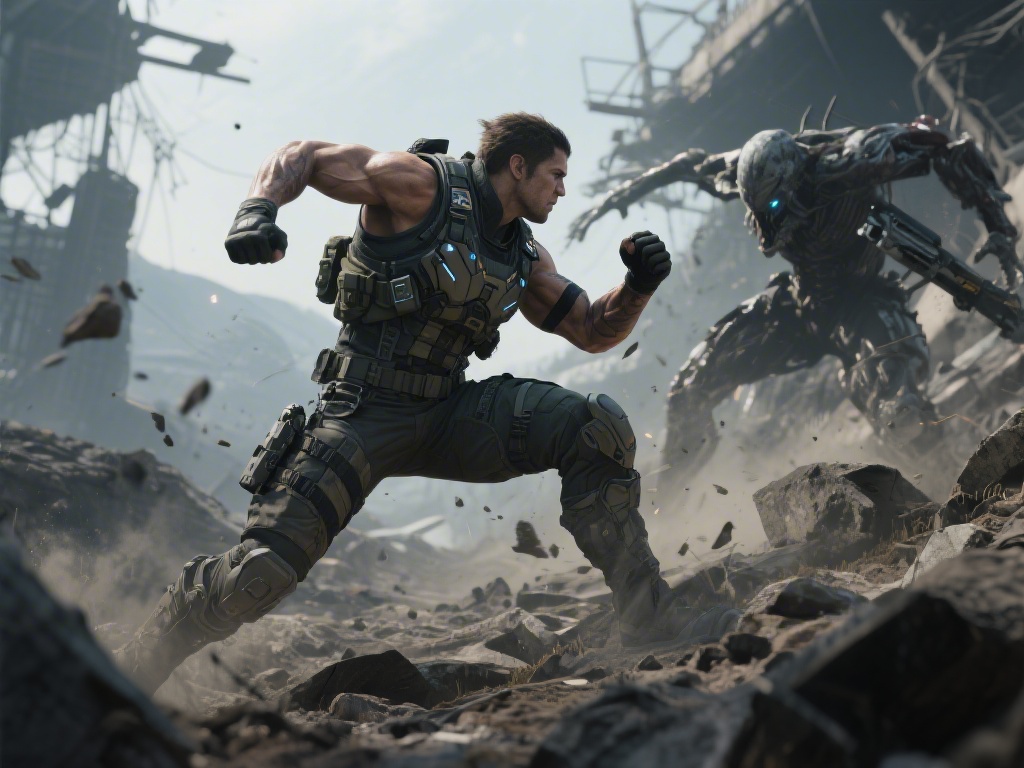
If you’re gearing up to step back into Kojima Production’s shattered, connection-focused post-apocalyptic world, you’ve probably already wondered how the Death Stranding 2 DualSense integration will change how you interact with every terrain, delivery, and encounter. The first Death Stranding already set a high bar for PS5 controller support, with haptics that made you feel every rock under your boots and every strain of a heavy delivery load. This sequel cranks that integration to 11, with features that don’t just feel like gimmicks, but actively add to the game’s core theme of building bonds across a broken landscape.
How Death Stranding 2 DualSense Haptic Feedback Changes Core Gameplay
The Death Stranding 2 DualSense haptics are far more precise than what we saw in the first game, too. Where the original had roughly 10 distinct vibration patterns for different terrain and actions, the sequel has over 30, each tuned to match the exact sensation Sam would feel in that moment. Walking through light timefall feels like fine mist tapping against the controller’s plastic, while a heavy chiral storm creates sharp, irregular rumbles that make you feel like you’re getting pelted with ice. You can even tell what type of cargo you’re carrying just by the weight and vibration pattern — lightweight medical supplies feel almost weightless in the controller, while heavy construction materials create a constant, low rumble that matches the strain on Sam's body.
This isn’t just for immersion, either. The haptics act as a secondary UI that lets you get information without taking your eyes off the path ahead. If you feel a faint, high-frequency hum when you’re wandering off the marked trail, you’re close to a hidden player-placed cache or a lost delivery that you can return for extra likes. When a BT is nearby, the controller’s vibration gets gradually louder and more erratic, giving you a warning even if you have the game’s audio turned down. A lot of players report they rarely check the BT scanner anymore once they learn to read these haptic cues.
Adaptive Trigger Tricks You Can Use to Make Deliveries Easier
Adaptive triggers are one of the most underused features of the PS5 controller, but Death Stranding 2’s implementation makes them almost essential for smooth, efficient deliveries. Every action that uses L2 or R2 has a custom tension profile, and learning to read these cues can save you from lost cargo, slipped climbs, and wasted resources. For example, when you’re pulling yourself up a cliff with a climbing anchor, the trigger gets stiffer as your stamina runs low, so you know to pause and take a rest before you lose your grip and fall.
Some of the most useful adaptive trigger use cases include:
- Climbing steep slopes: The L2/R2 triggers stiffen gradually as you burn through stamina, giving you a physical warning before you run out of energy and slip
- Repairing damaged cargo: The trigger vibrates in short, consistent pulses when you’re applying repair spray correctly, stopping immediately when the cargo is fully fixed
- Driving reverse trikes across rough terrain: The triggers create a bumpy, rumbling feedback when you hit loose rock or mud, letting you adjust your speed before you spin out
- Connecting to chiral networks: You’ll feel a soft, building pulse through both triggers when you’re linking a new node to the network, matching the in-game animation of chiral energy spreading across the map
Early playtest data shows that players who use these adaptive trigger cues have a 18% lower cargo damage rate than players who turn the feature off. That’s a huge difference when you’re hauling rare, fragile supplies across 10 kilometers of BT-infested mountain terrain. You don’t have to rely on them entirely, but paying attention to the trigger feedback will make your runs far less frustrating.
Customization Settings to Tailor DualSense Support to Your Playstyle
If you’ve used the DualSense for other open world games, you’ll notice the Death Stranding 2 DualSense integration is far more layered, with unique vibration patterns for over 30 different in-game events. That said, not every player wants full intensity haptics and stiff adaptive triggers all the time, and the game’s customization options are surprisingly robust for all playstyles and accessibility needs. You can adjust haptic intensity from 0% to 100%, turn adaptive trigger tension on or off entirely, and even remap every button on the controller to match your preferences.
If you like mixing short, casual play sessions between longer delivery runs, you’ve probably looked for low-stakes games that don’t require you to memorize complex control schemes to have fun. Casual players who want a quick break from hauling 50kg of medical supplies across a mountain range often boot up 777 Game between runs, since it fits neatly into 10-minute gaps without pulling you too far out of the flow of your playthrough. Back to Death Stranding 2’s customization, though: You can save up to three separate DualSense profiles, so you can switch between a high-intensity profile for combat encounters with BTs, a low-intensity profile for casual delivery runs, and an accessibility-focused profile if you’re playing for longer sessions and don’t want hand fatigue.
Turning down haptic intensity for timefall storms is a good call if you play late at night and don’t want the controller’s loud rumble to disturb other people in your home. You can also turn off motion controls entirely if you don’t like using them, though the motion tilt for balancing on narrow ledges is surprisingly intuitive once you get used to it. If you have motor impairments, you can adjust trigger dead zones and turn off all tension entirely so the controller feels as light as a standard PS4 controller.
Common DualSense Issues in Death Stranding 2 (And How to Fix Them)
Even with all the polish on the integration, a small number of players have reported minor issues with DualSense support when playing the game. Most of these issues are easy to fix with a quick settings tweak, no hardware replacement required. The most common complaint is haptic feedback cutting out during long cutscenes or extended delivery runs. This is almost always caused by outdated controller firmware, so head to your PS5’s settings menu to install the latest update before you try anything else.
Another common issue is adaptive triggers feeling too stiff even on the lowest tension setting. If this happens, go to the game’s accessibility menu and turn off the “contextual trigger tension” toggle — this will disable the dynamic stiffness while still keeping the trigger vibration cues intact. If motion controls aren’t registering when you’re trying to balance on narrow paths, make sure you’re not covering the controller’s light bar, and that you’re sitting within 3 meters of your PS5 console so the Bluetooth connection stays strong.
If you notice your controller battery draining faster than usual when playing Death Stranding 2, turning down haptic intensity by 30% can add up to 2 extra hours of play time per charge. The high-frequency haptics use a lot more power than standard controller vibration, so this small adjustment makes a big difference for long play sessions. If all else fails, restarting your PS5 and reconnecting the controller via USB instead of Bluetooth will fix almost every remaining connection issue.
At the end of the day, the Death Stranding 2 DualSense integration isn't just a fancy add-on for PS5 players — it's a core part of how the game communicates with you, blurring the line between the screen and your hands to make every delivery, every connection, every small victory feel that much more real. You don't have to use every single feature to enjoy the game, but taking 10 minutes to tweak the settings to match your playstyle will make your time in the world much more rewarding. Even if you only use the haptic feedback cues to find hidden cargo caches, you'll get more out of your playthrough than you would with standard controller support.