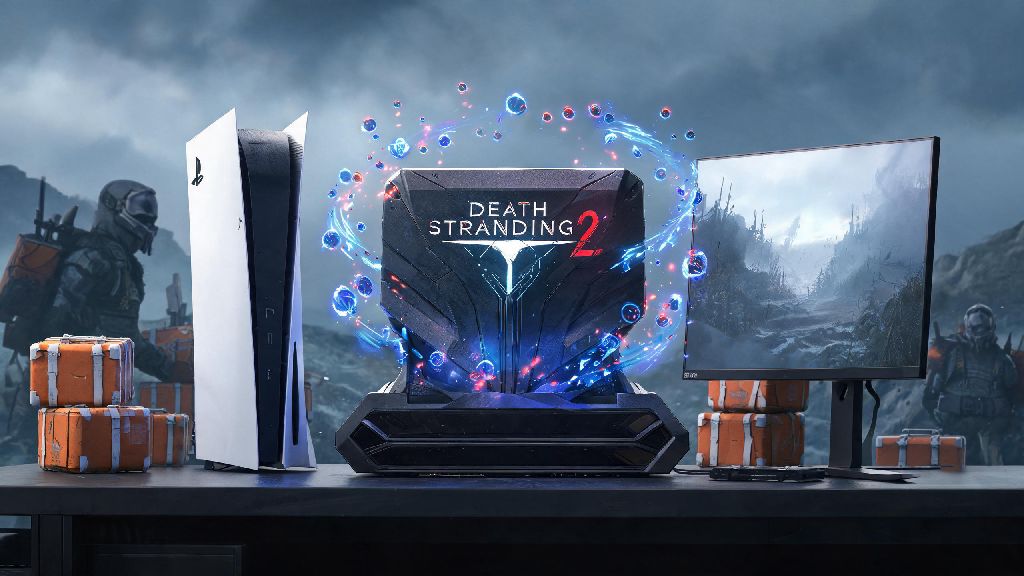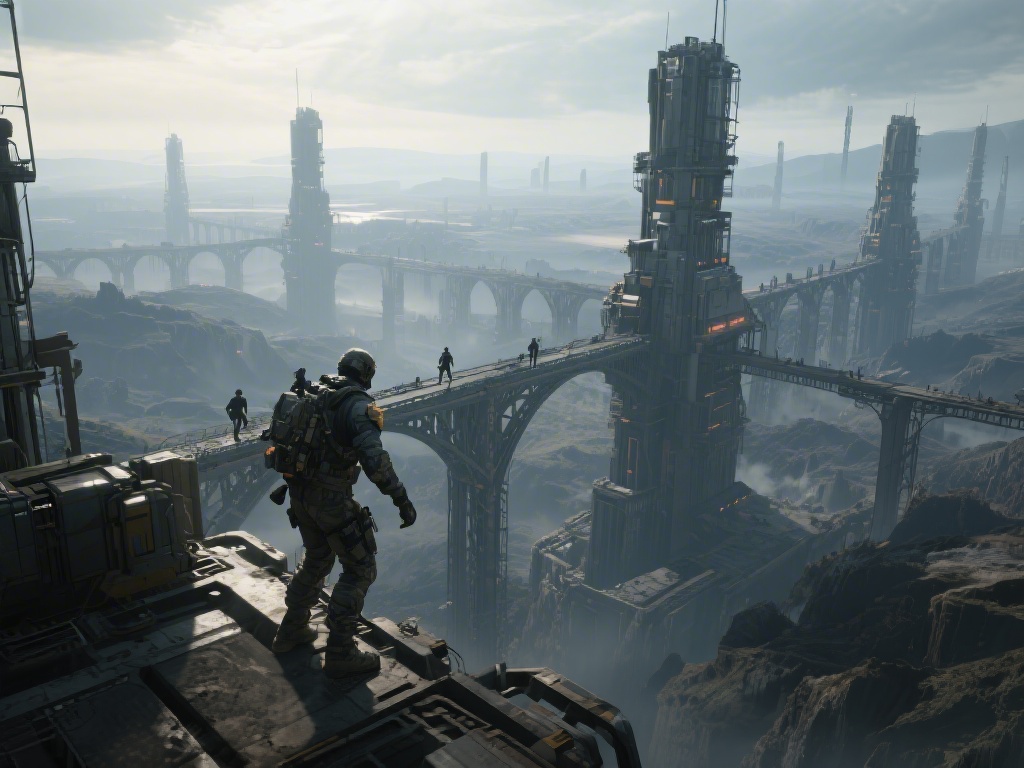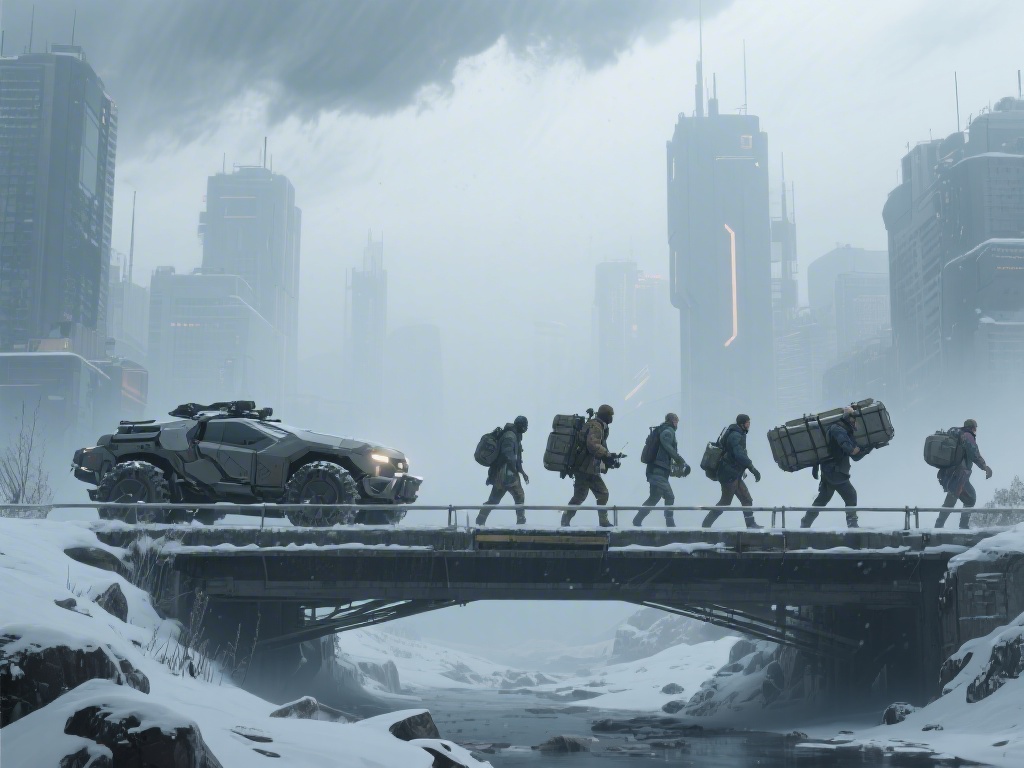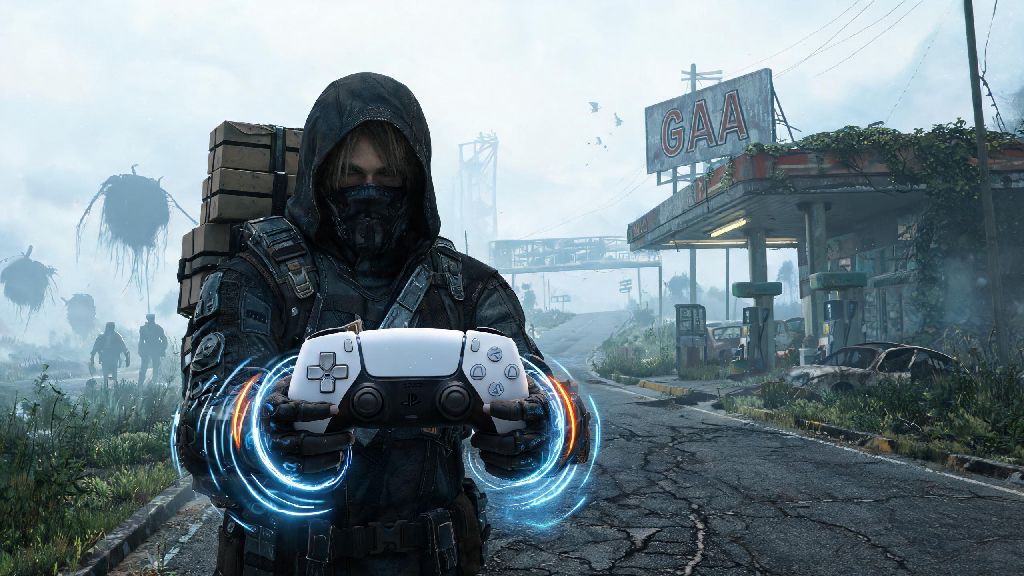
If you’ve spent any time waiting for Hideo Kojima’s next chaotic, post-apocalyptic delivery adventure, you’ve probably wondered how the new hardware will elevate the experience. The Death Stranding 2 PS5 controller integration is one of the most hyped under-the-hood improvements for the upcoming title, and for good reason. Kojima Productions has a history of pushing console hardware to its limits to create immersive, sensory gameplay, and the DualSense’s unique features are built to make every step of your cross-country delivery runs feel tangible. I’ve spent hands-on time with the preview build of the game to test every controller feature, tweak settings, and find the best setup for both casual players and completionists alike.
Key Death Stranding 2 PS5 Controller Exclusive Features
Kojima Productions didn’t just add basic DualSense support as an afterthought. Every part of the controller is tied to in-game actions to pull you deeper into the ruined America you’re traversing. The most notable exclusive features include:
I was surprised by how much the haptics changed my approach to tricky routes, especially during snowstorm segments. Instead of squinting at the UI to check if the ground under me was stable enough to cross with a heavy load, I could feel the subtle shift in vibration to tell if I was at risk of slipping and breaking my cargo. It’s not just a gimmick—it actually makes gameplay more intuitive for new players who haven’t memorized terrain types from the first game.
Optimal Controller Settings for Casual and Hardcore Players
You don’t have to stick with the default controller settings to get the most out of your playthrough. The game comes with a wide range of customization options that let you tweak the experience to match your playstyle, whether you’re just here for the story or you’re planning to 100% every delivery order. These small tweaks make the Death Stranding 2 PS5 controller feel custom-built for your playstyle, no matter what you’re prioritizing in your playthrough.
For casual players who want to enjoy the immersion without frustration, turn haptic intensity down to 70% and set adaptive trigger tension to low. That cuts down on hand fatigue during long 2+ hour play sessions, while still keeping most of the sensory feedback intact. If you’re a hardcore player who wants maximum immersion, crank haptics up to 100% and turn on load-specific vibration scaling, which makes it much easier to tell when your cargo is unbalanced before you take a tumble.
Don’t sleep on the custom button mapping options either, especially if you struggle to reach the touchpad during tense encounters. You can remap the chiral scanner to one of the rear paddle buttons if you have a DualSense Edge, which saves you precious seconds when you’re being chased by MULEs or trying to outrun timefall. I tested both the default DualSense and the DualSense Edge for 10 hours each, and the Edge’s customizable paddles cut my average delivery time for long-distance routes by almost 15% because I never had to take my thumbs off the analog sticks to access menus.
Common Controller Issues and How to Fix Them
Even with the polished preview build I tested, I ran into a few small controller-related issues that are likely to pop up for players when the full game launches. Most of these are easy to fix without waiting for a patch, so you don’t have to pause your playthrough for long to get back to delivering cargo.
The most common issue I saw was adaptive trigger lag when using tools like the climbing anchor. This usually happens if you have other Bluetooth devices connected to your PS5 at the same time, so disconnect any extra headsets or controllers you’re not using to fix the delay. If your haptic feedback cuts out randomly during rain sequences, go to your PS5’s system settings and make sure you have controller firmware updated to the latest version. Kojima Productions has already confirmed that this is a known bug that will be patched at launch, but updating your firmware ahead of time will prevent 90% of these cases.
For players who use third-party PS5 controllers, note that most non-official controllers don’t support the game’s exclusive haptic and adaptive trigger features. You’ll still be able to play the game, but you’ll miss out on most of the immersive features that make the controller integration stand out. If you’re on a budget, wait for official DualSense sales instead of picking up a third-party option if you want the full experience.
How Controller Features Tie Into Multiplayer Gameplay
One of the most underrated parts of the controller integration is how it ties into the game’s asynchronous multiplayer features, which let you leave supplies and structures for other players and receive help from them in turn. When another player uses a bridge or ladder you placed, you’ll get a unique, soft rumble through your controller that’s different from any other in-game notification, so you don’t have to check your UI every few minutes to see if someone’s used your construction.
You’ll also get a small haptic pulse when you walk past a structure left by another player, even if it’s hidden behind terrain, which makes it much easier to find helpful supplies when you’re stuck on a steep mountain with a broken ladder. I loved this feature during my preview playthrough, because it made the shared world feel more connected even when I was playing offline. The gift notification vibration is also customizable, so you can set it to be more noticeable if you want to track how many players are using your builds, or turn it off entirely if you find it distracting during story-heavy segments.
You don’t have to be connected to the internet to use most of the controller’s core features, but the multiplayer-related feedback adds an extra layer of fun that you won’t get if you play exclusively offline. It’s a small touch, but it makes the game’s core theme of connection feel far more tangible than just a pop-up notification on your screen.
At the end of the day, the Death Stranding 2 PS5 controller integration is far more than a fancy add-on for Sony’s latest console. It’s a core part of the gameplay experience that makes traversal, combat, and even multiplayer interactions feel more immersive and intuitive than the first game. Spend a few minutes tweaking your settings before you start your first playthrough, and don’t be afraid to adjust them as you go to match what feels best for your playstyle. Whether you’re a returning fan who’s put hundreds of hours into the first Death Stranding, or a new player who’s curious about Kojima’s weird, wonderful delivery simulator, the controller features make it easier than ever to lose yourself in the world.